 The Endless Museum
Explore Wikipedia
in 3D.
The Endless Museum is a free 3D Wikipedia game. Look up one thing, follow a link, forget what you came for. Here, you can walk that route. Wikipedia articles become rooms, with pictures on the walls and links over the doors.
Enter the museumFree in your browser. No download or account needed.
Start with something you know
Choose Free Roam in the lobby and enter an article title. It might be your hometown, a painter you like, or whatever you were reading about five minutes ago. Walk up to a labelled door to see where it leads.
The room takes its contents from the article. You may find photographs, paintings, maps, music or film. The architecture changes too: some subjects get long galleries; others open onto a landscape.
There’s no target in Free Roam. If a picture catches your eye, stop. Press R to open the article reader. When you’re ready, pick another door.
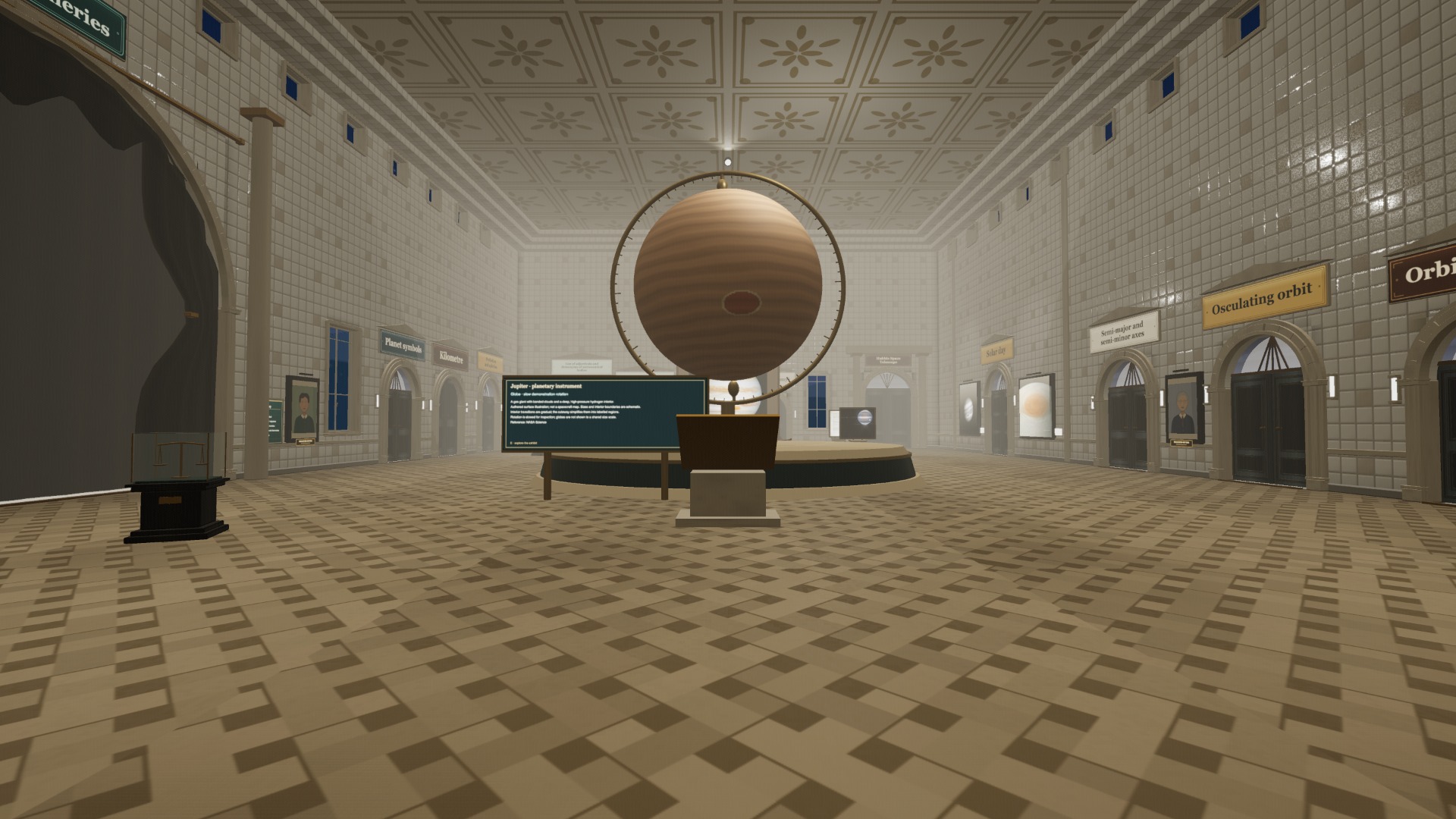
A planet to start from
Begin with Jupiter and follow the article’s links. See how long you stay on the subject of space.
Visit Jupiter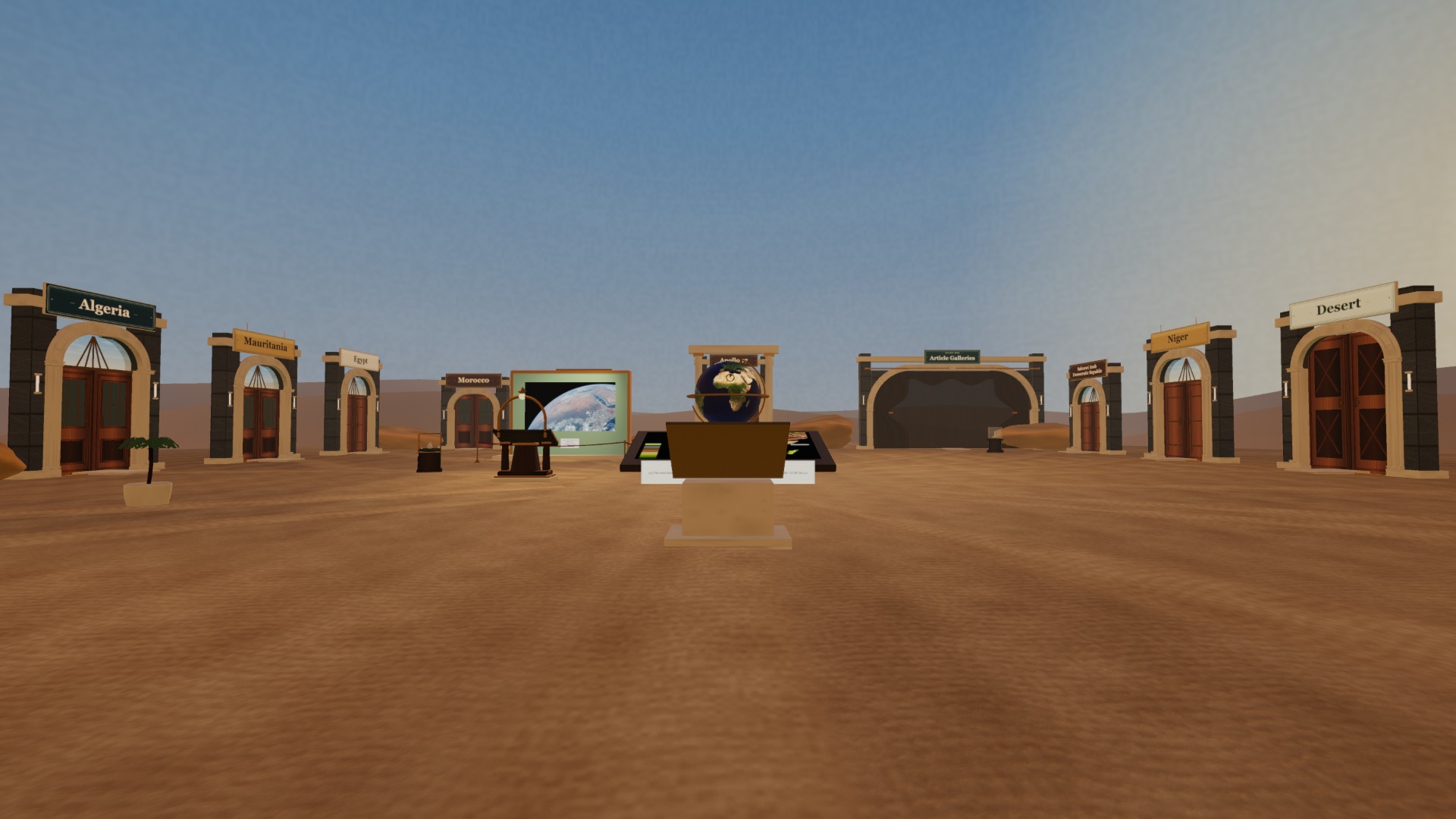
Or somewhere outdoors
The Sahara takes you out into the desert. You still travel between articles through labelled doorways.
Visit the SaharaYou can always look back
Press J to open a map of your journey. In Free Roam, you can click a visited hall to return to it. Your trail is saved in this browser, so you can come back later and carry on.
If you want directions, speak to the wandering docent with E. For a souvenir, press P to enter photo mode and take a postcard.
On a computer, move with WASD and look with the mouse. Touch controls and gamepads work too. Esc opens the pause menu.
Stay a while. Or race.
Free Roam lets you take your time. If you’d rather have a destination and a clock, try a Wikipedia race.
Enter the museum